Devise
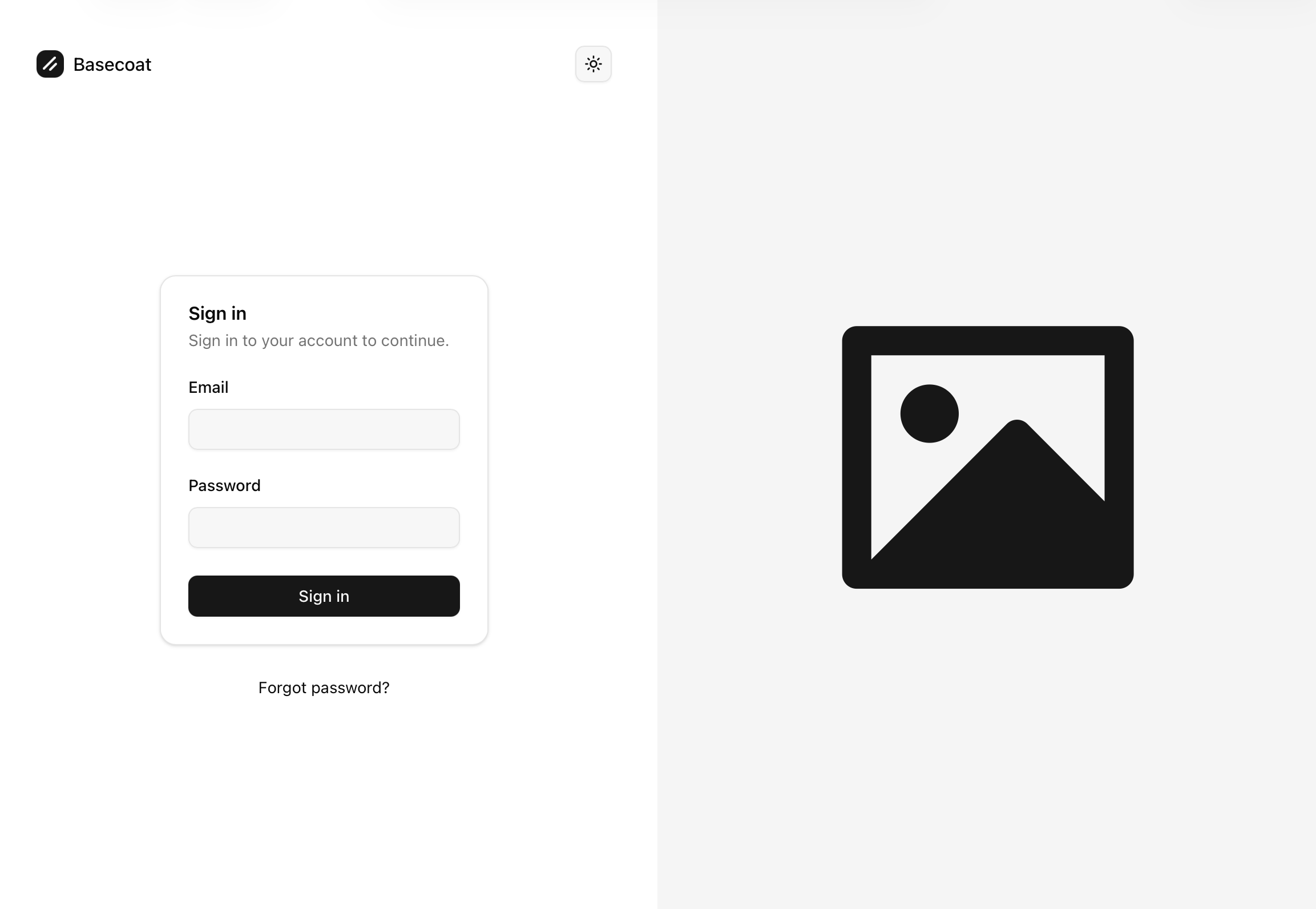
Basecoat-styled Devise views: log in, sign up, password reset, confirmations, unlocks and mailers — plus a dedicated split-screen layout.
Preview
What it installs
- Styled views for all Devise modules under
app/views/devise: sessions, registrations, passwords, confirmations, unlocks and mailer templates - A split-screen
layouts/devise.html.erbwith theme toggle and alert/notice toasts - A user dropdown (with log out) injected into your application header, shown when
user_signed_in?
Every file copy asks before overwriting, so it is safe to run in an app with existing Devise views.